Version 5 of Govintranet was released this year, rebranded as ‘Govintra’.
It was not the big bang move to the WordPress block editor that I had initially envisioned. We still use the Classic Editor and widgets, because clients can’t cope with creating element after element in the block editor. But the new theme contains many new features and improvements.
Design
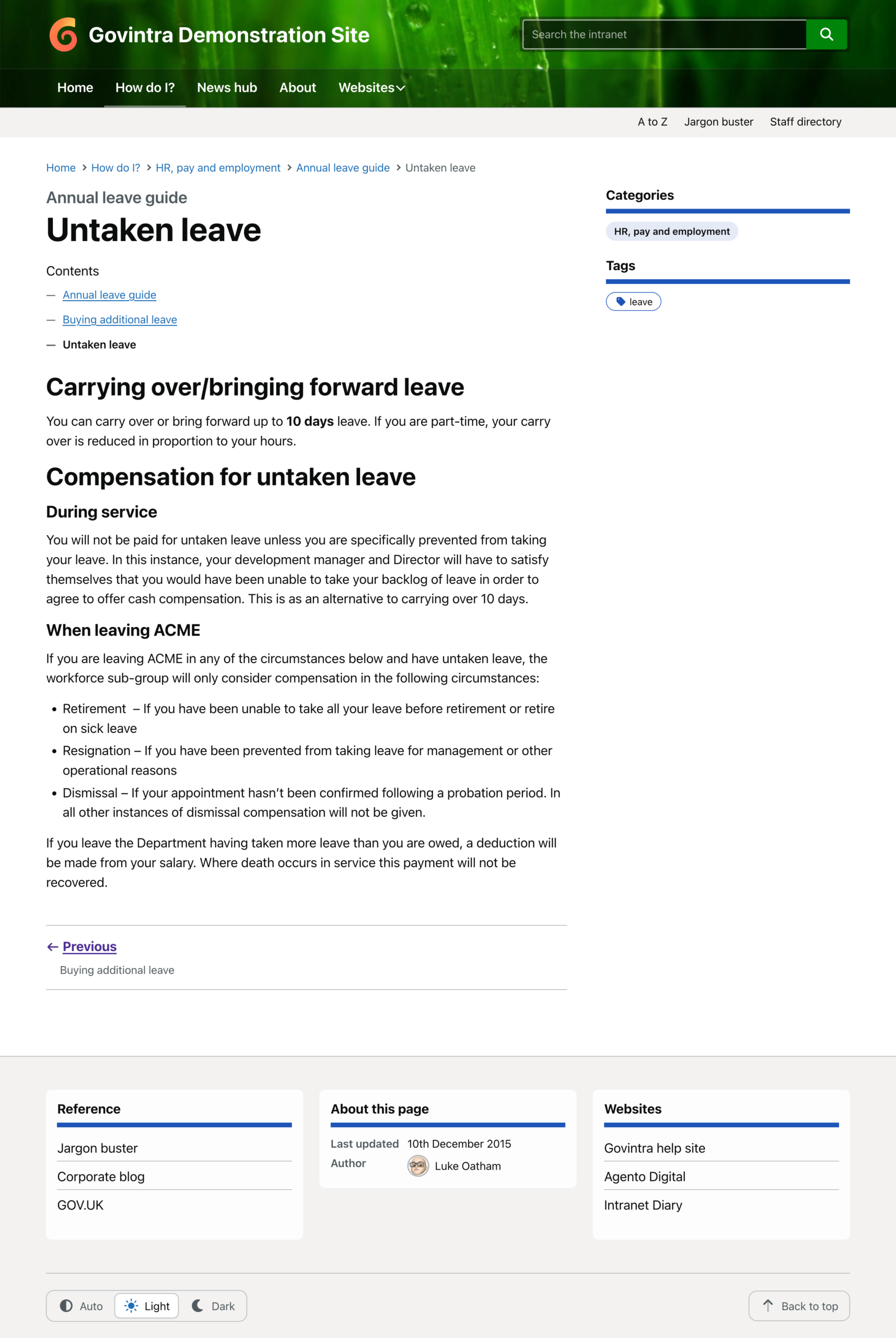
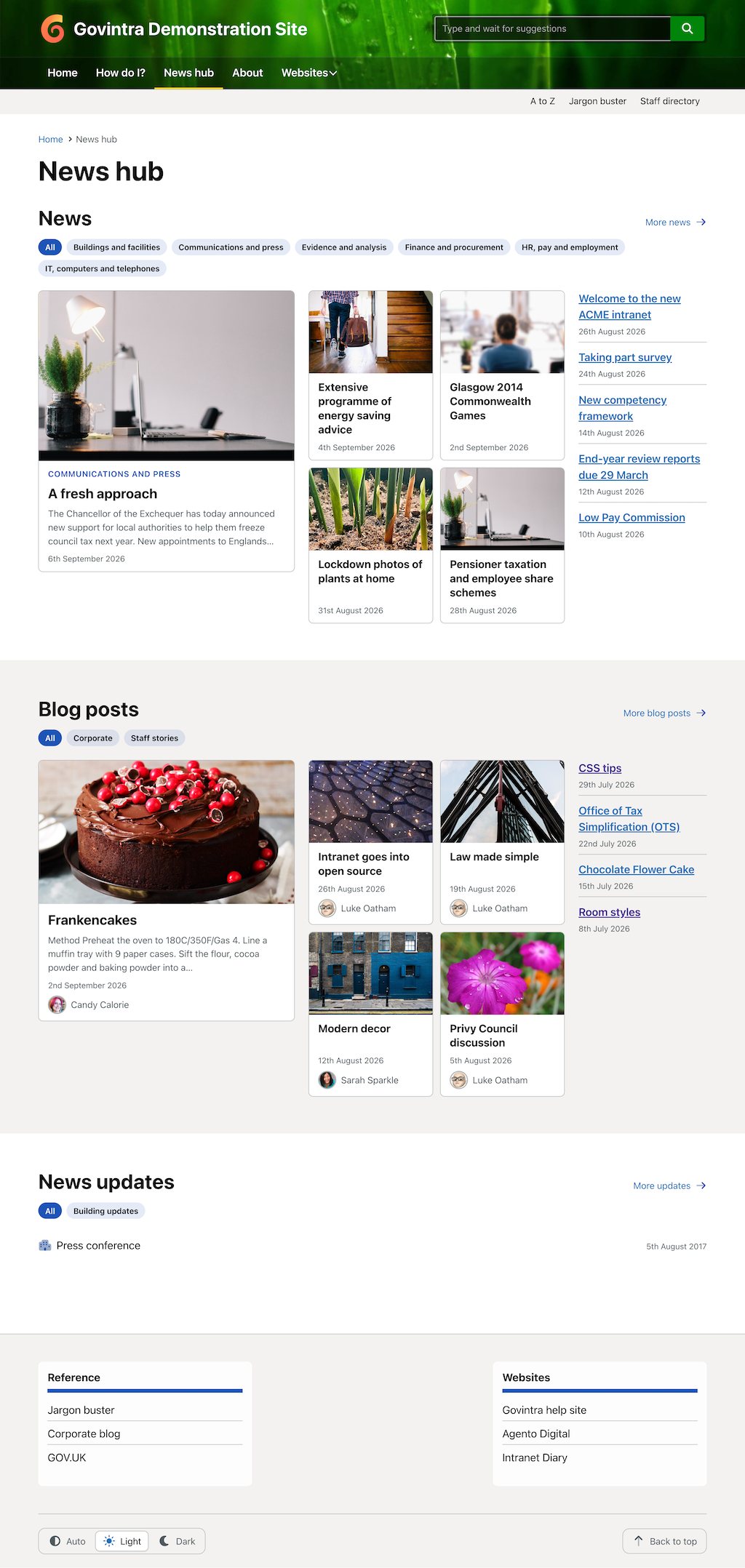
The overall design has been strongly influenced by the alphagov design patterns; reverting to system fonts instead of web fonts, consistent styling and typography throughout templates and widgets, with accessibility as a top priority.
The new look and feel is a huge improvement on Govintranet; cleaner lines, better use of imagery, more contemporary, with customisation options for brand colours and imagery.
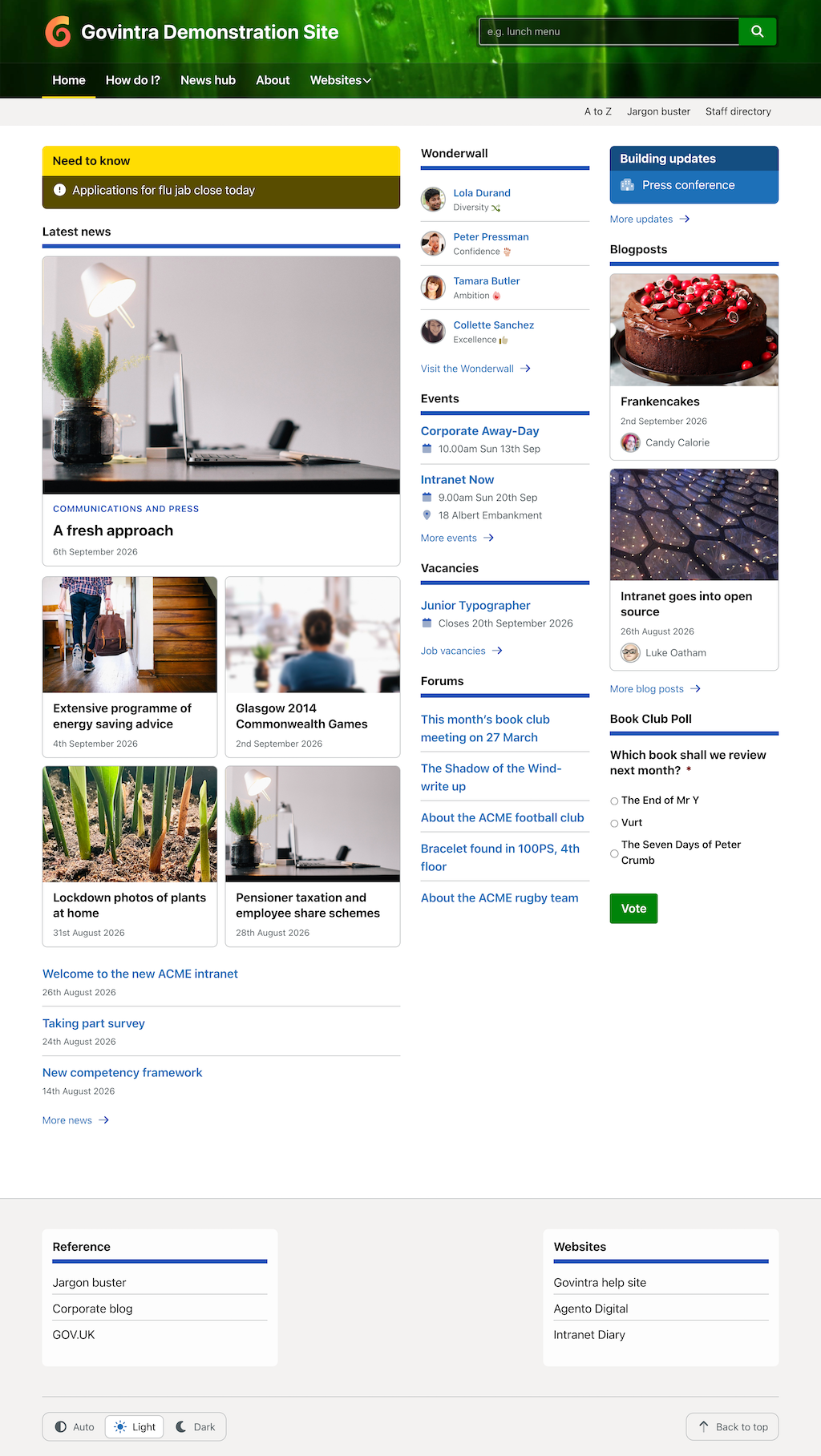
I decided to replace the old Glyphicons used in Bootstrap with FontAwesome, allowing clients to choose icons to use across widgets, templates and content.
Dark mode
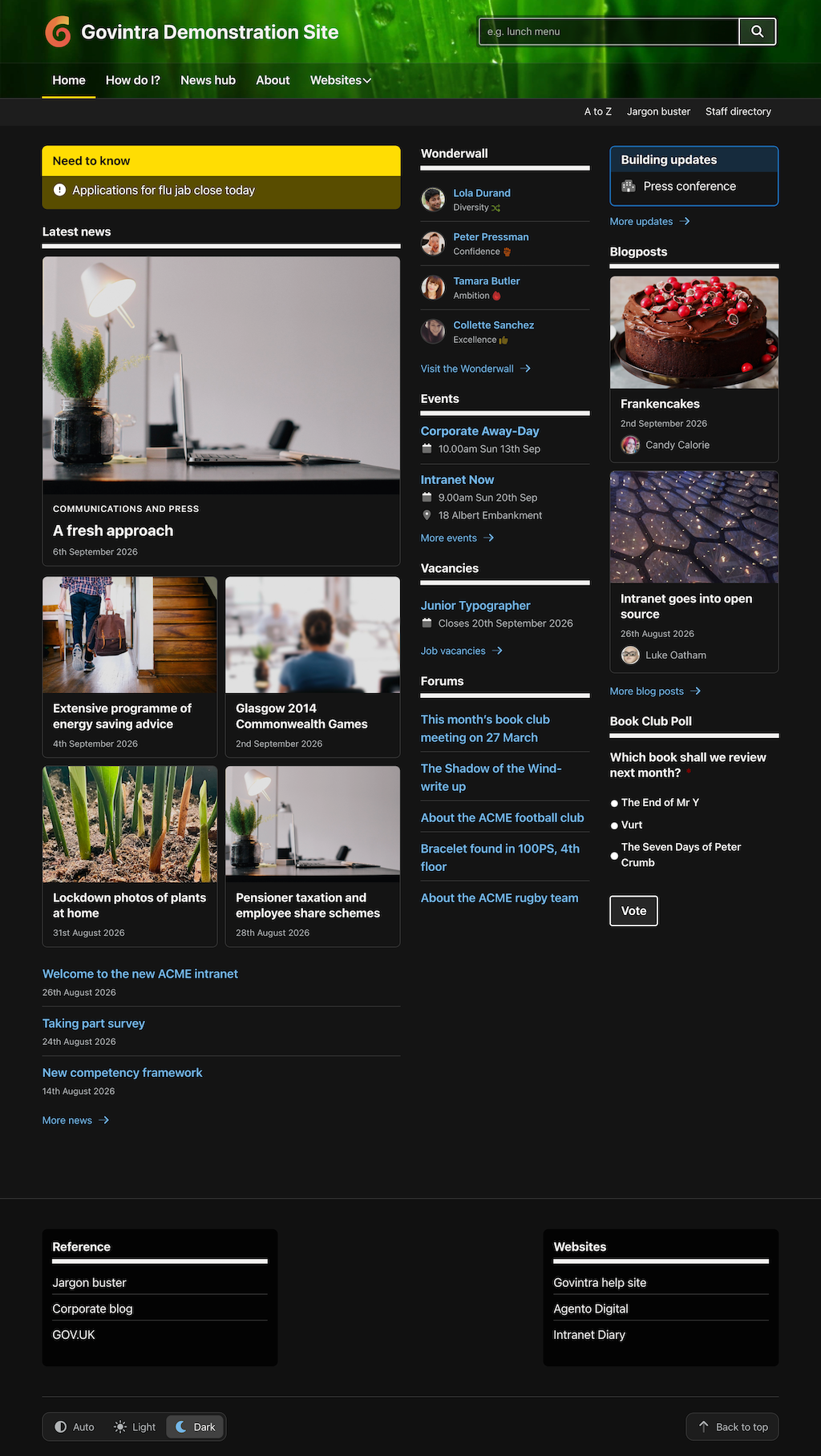
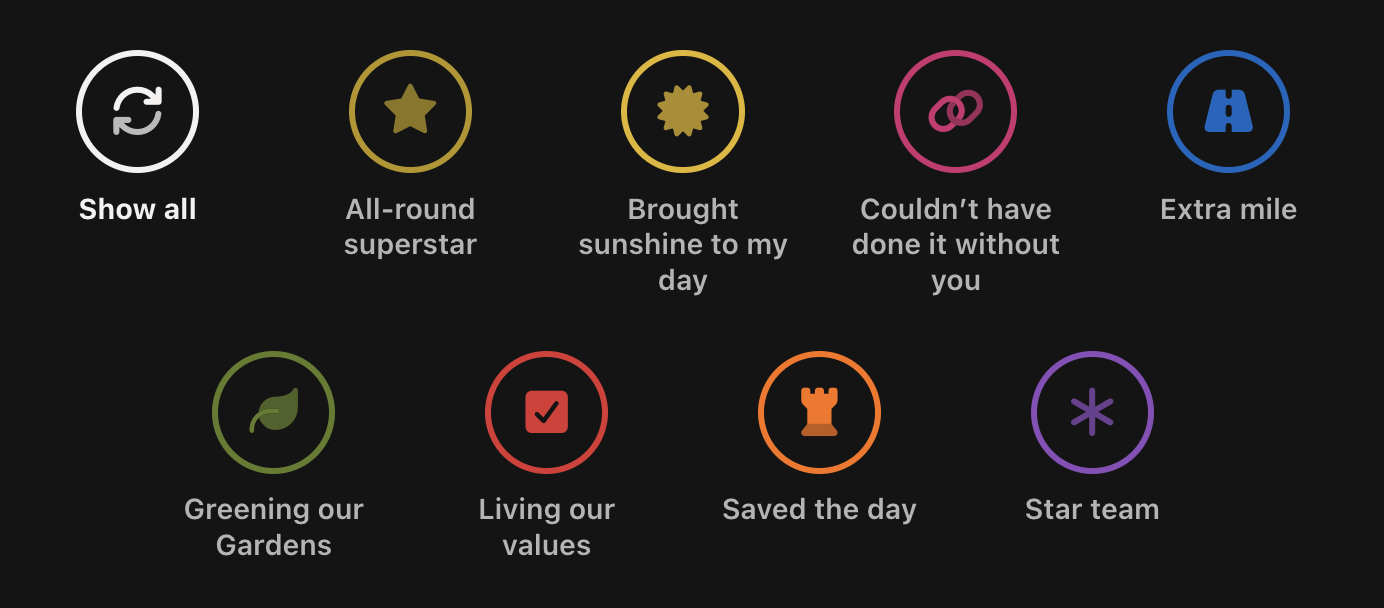
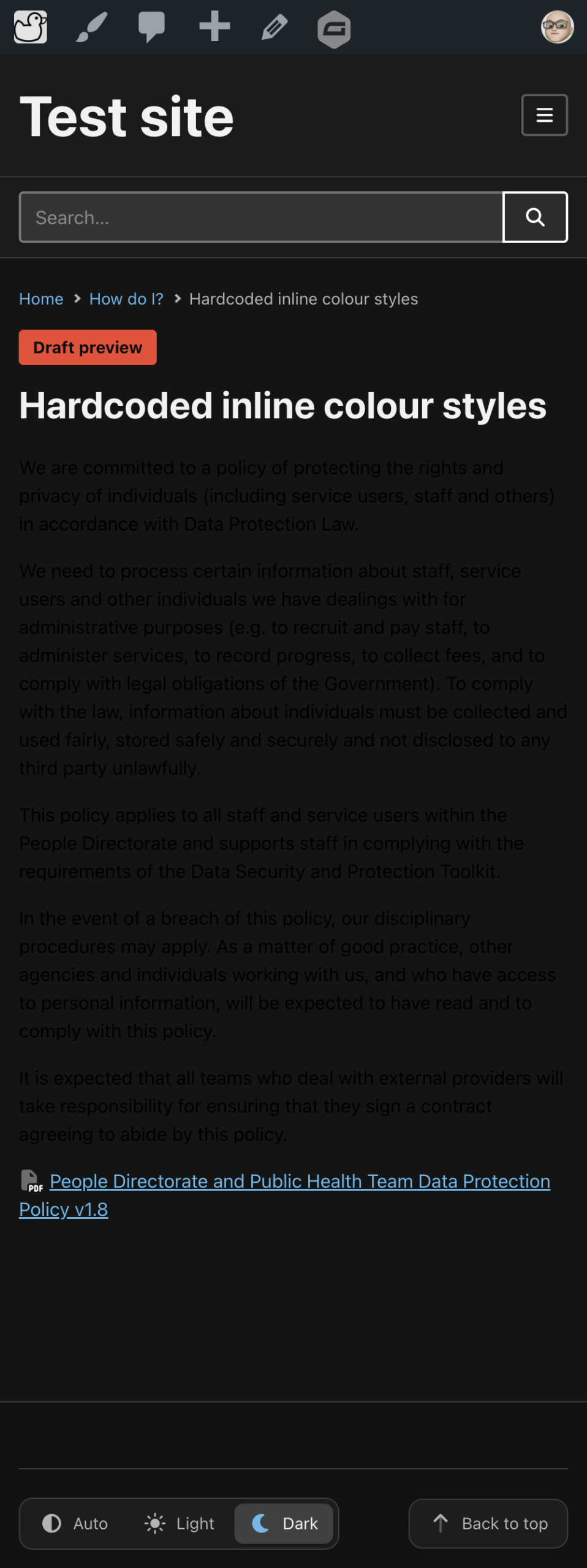
Dark mode is built in to the theme, with options to set Light, Dark or Auto mode. On first use, individual preferences are set for users based on their system or browser defaults.
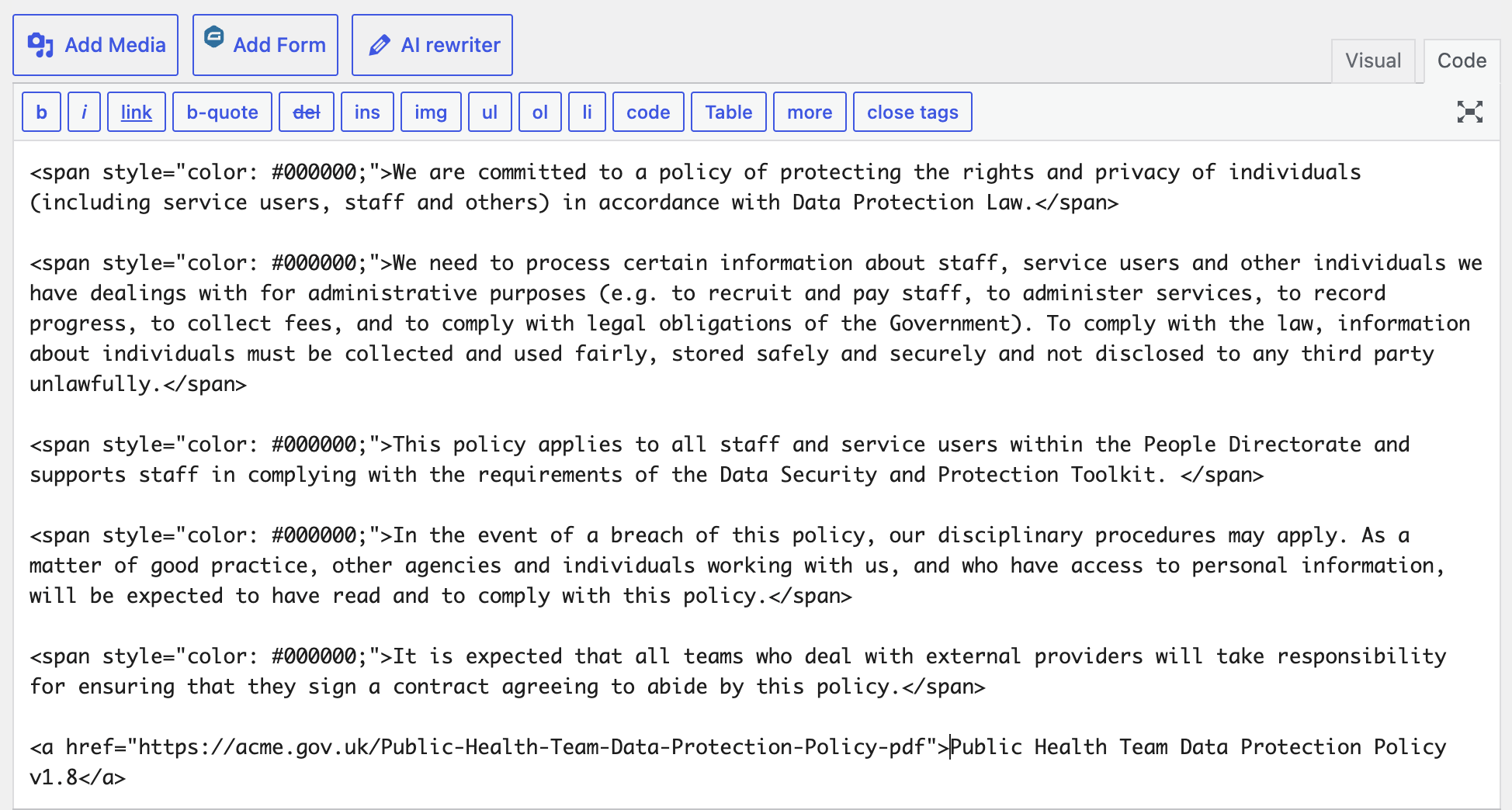
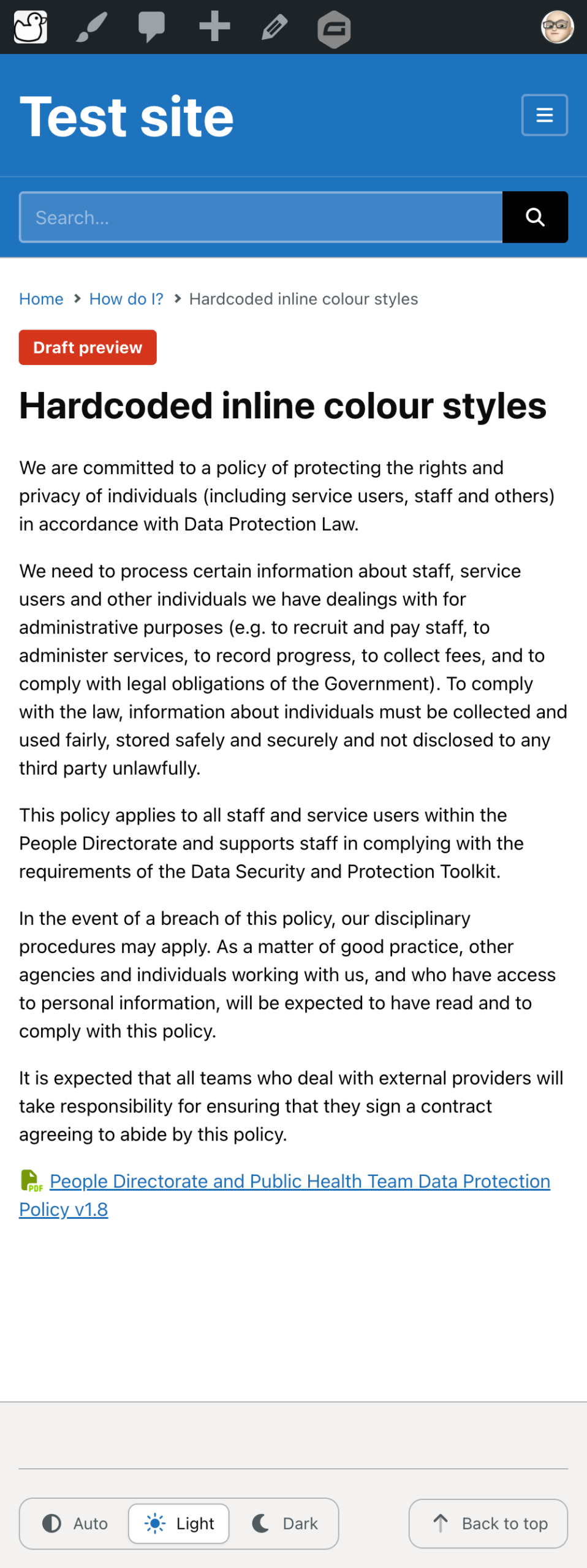
But on client intranets, the dark mode has revealed longstanding issues in content due to inline colour styles, pasted in from email. Lines and lines of Gmail or Outlook styling buried within intranet content. And in the worst cases, inline styles hardcode black text. In dark mode, the theme styles cannot override the inline styles, so the black text is not visible against a black background.
Accessibility checker
To see how bad the case was across my client intranets, I built a new accessibility checker tool to scan content and report on the use of hardcoded colours, tables without headers, images without alt text and the use of ‘click here’ or ‘this link’ for hyperlinks.
The result? Not one intranet was clean. But the results ranged from 30 colour problems on one intranet to 800 pages with problems on another.
AI to the rescue
Some intranet editors have a lot of work ahead of them, and some tricky editing to unpick opening and closing span tags if they want to retain other formatting. Unless they have a private AI system that could do it for them…
Agento Intelligence is a private AI service, hosted by Agento Digital in the UK. It is not included as part of the new Govintra theme.
Long page template
New in the theme is a long page template that provides an automated scroll-spy feature based on headings used in content markup.
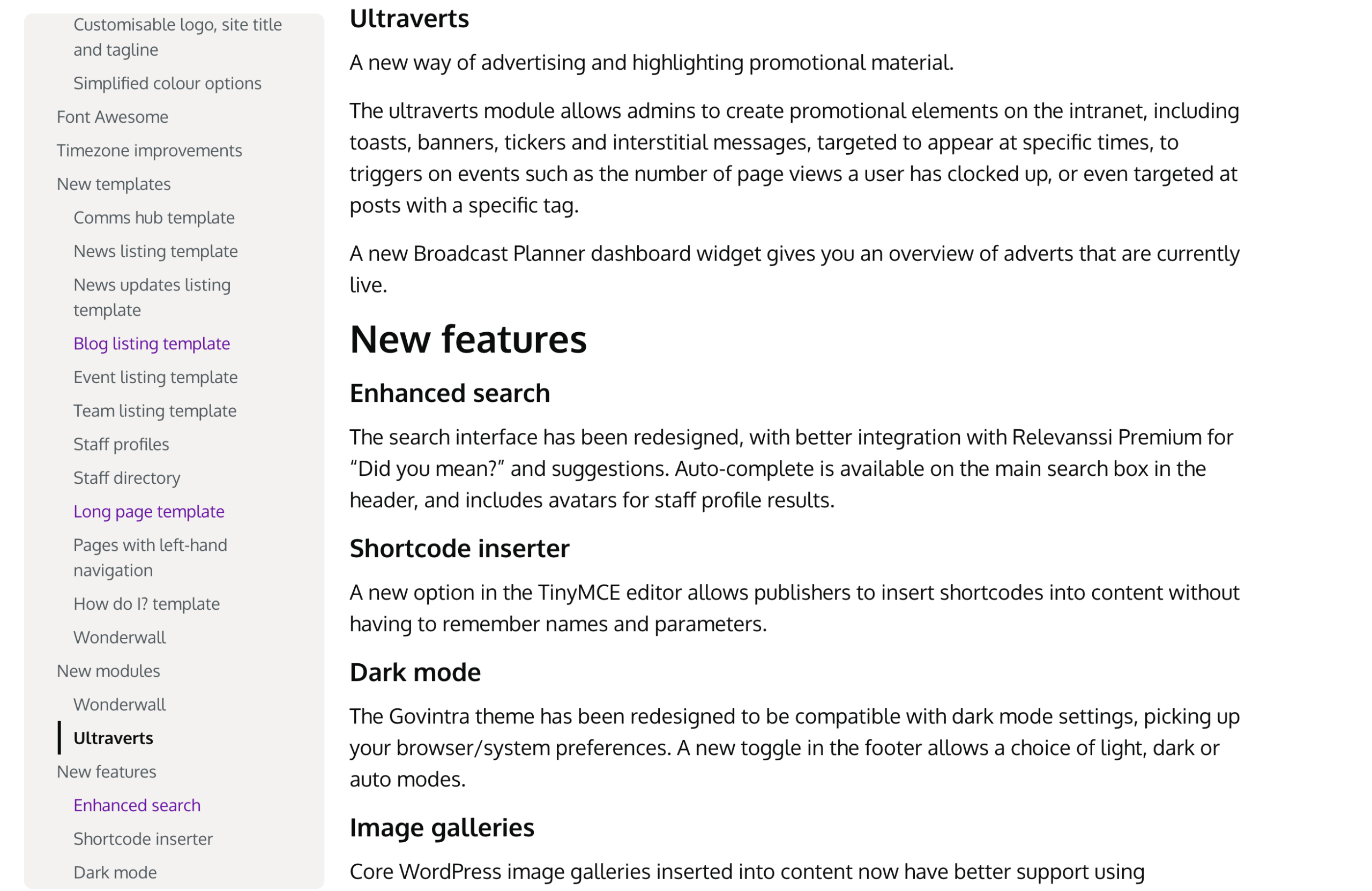
For editors that have well-structured pages with HTML heading tags, switching to this template automatically creates the left-hand navigation bar.
For editors that still use bold 36px text to represent headings; I say “Bold text does not a heading make!”
For a full list of new features, go to the Govintra Help website:
New features in Govintra
Visit the demonstration website to see the new Govintra theme in action.
Still using an old version of Govintranet?
Govintranet version 4.99.71 introduced support for PHP 8+.
If your hosting server is updated to PHP 8 and you use a Govintranet version prior to 4.99.71, you will need to upgrade Govintranet
Get in touch with Agento Digital for upgrade options.